| Word: Transcribe | Uploaded WAV, MP4, M4A, and MP3 files, or audio you record in Word | Word for Microsoft 365 on Windows (business accounts) or Word for the web | Transcript with Speaker 1, Speaker 2 labels and timestamps, which you can add to the document | Up to 300 minutes of uploads a month with a Microsoft 365 subscription. Recordings are saved to OneDrive |
|---|
| Live captions | Any audio playing on the PC, as it plays | Windows 11, version 22H2 or later | Captions on screen, processed on your PC, also offline | Captions aren't saved anywhere, so you're left with no transcript to keep |
|---|
| Voice typing (Win+H) | Your voice as you speak, typed at the cursor | Windows 10 or 11 and an internet connection | Text in the app you're typing in | Dictation, not file transcription: it doesn't open audio or video files |
|---|
| Local Whisper tools | Audio and video files, depending on the tool (for example, Audacity with the OpenVINO plugin) | Depends on the tool; speed depends on your CPU or GPU | Text and subtitles, processed on your PC | Works offline. Summaries, speaker labels, and chat vary from tool to tool |
|---|
| Transcription players | Nothing by themselves: you type while the player slows the audio down | A Windows app such as Express Scribe, often with a foot pedal | Exactly the text you type | Manual work: you type every word yourself |
|---|
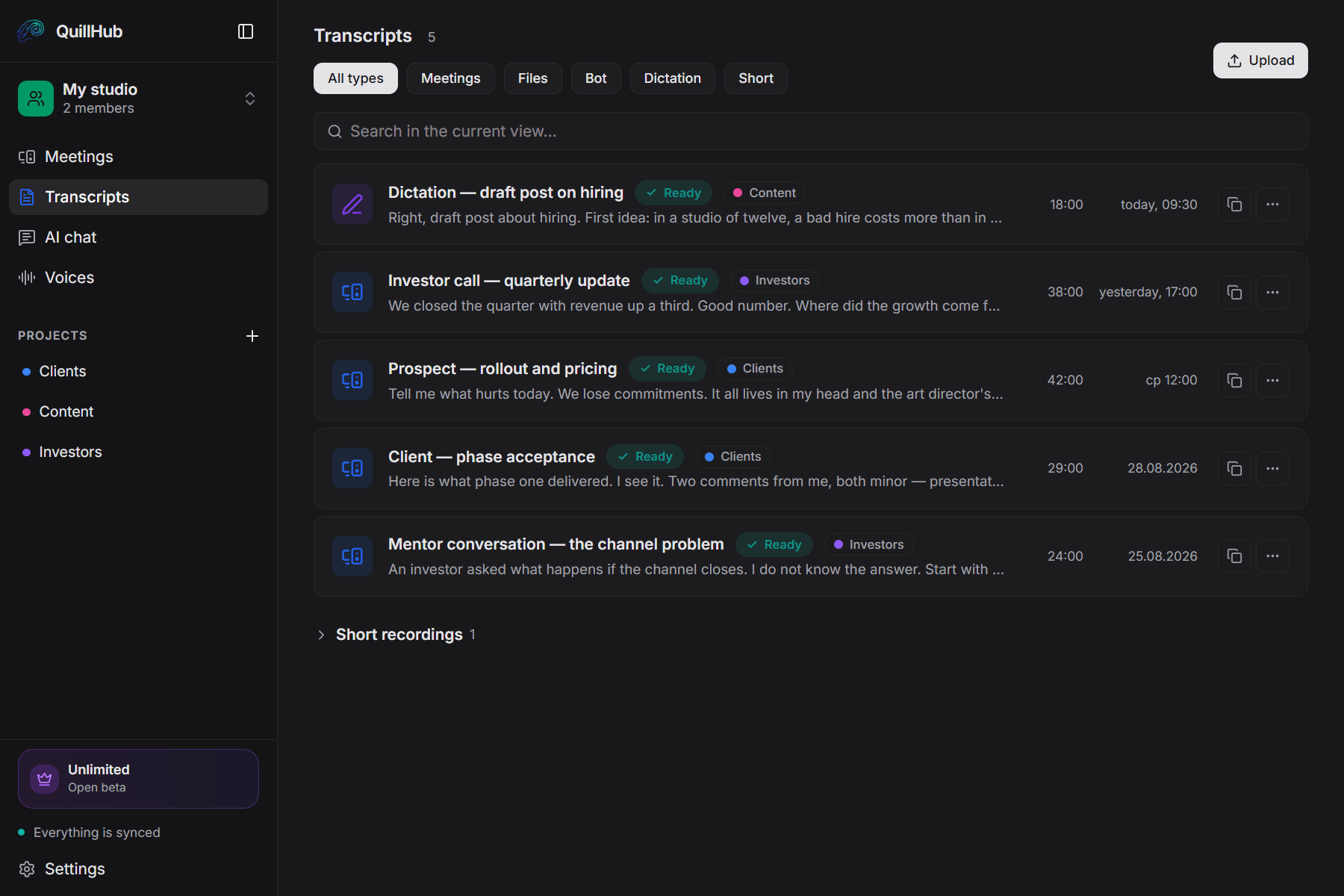
| QuillHub Desktop | Audio and video files, links, and call audio from Zoom, Teams, Webex, Slack, and other apps | Windows 10 or 11 | Text by speaker with timestamps, summary, chapters, AI chat; export to DOCX, TXT, Markdown, SRT, VTT | Needs internet: transcription runs in the cloud. Files up to 2 GB in the app |
|---|
| QuillHub in the browser | Audio and video files and links | Any PC with Edge, Chrome, or Firefox | The same result as in the app, with nothing to install | Files up to 10 hours and 5 GB. Calls aren't recorded: that's the app's job |
|---|