| Notes: Record Audio | Audio you record inside a note | Mac with M1 or later | Live transcript in the note, Find in Transcript, Copy Transcript. Summary with Apple Intelligence | Only when the device language is one of about ten supported ones, and not in every region. Deleting the recording deletes the transcript |
|---|
| Voice Memos | Recordings made in the Voice Memos app | macOS 15 or later; older recordings are transcribed when you open them | Transcript while recording or after, search across titles and transcripts, copy the text | Not available in all countries or regions. Summaries need Apple Intelligence and Writing Tools |
|---|
| macOS Dictation | Your voice as you speak, typed at the cursor | Any Mac with a microphone | Text in the app you're typing in | Dictation, not file transcription: it doesn't open audio or video files |
|---|
| Local Whisper apps | Audio and video files, depending on the app | Depends on the app; speed depends on your Mac | Text and subtitles, processed on your Mac | Works offline. Summaries, speaker labels, and chat vary from app to app |
|---|
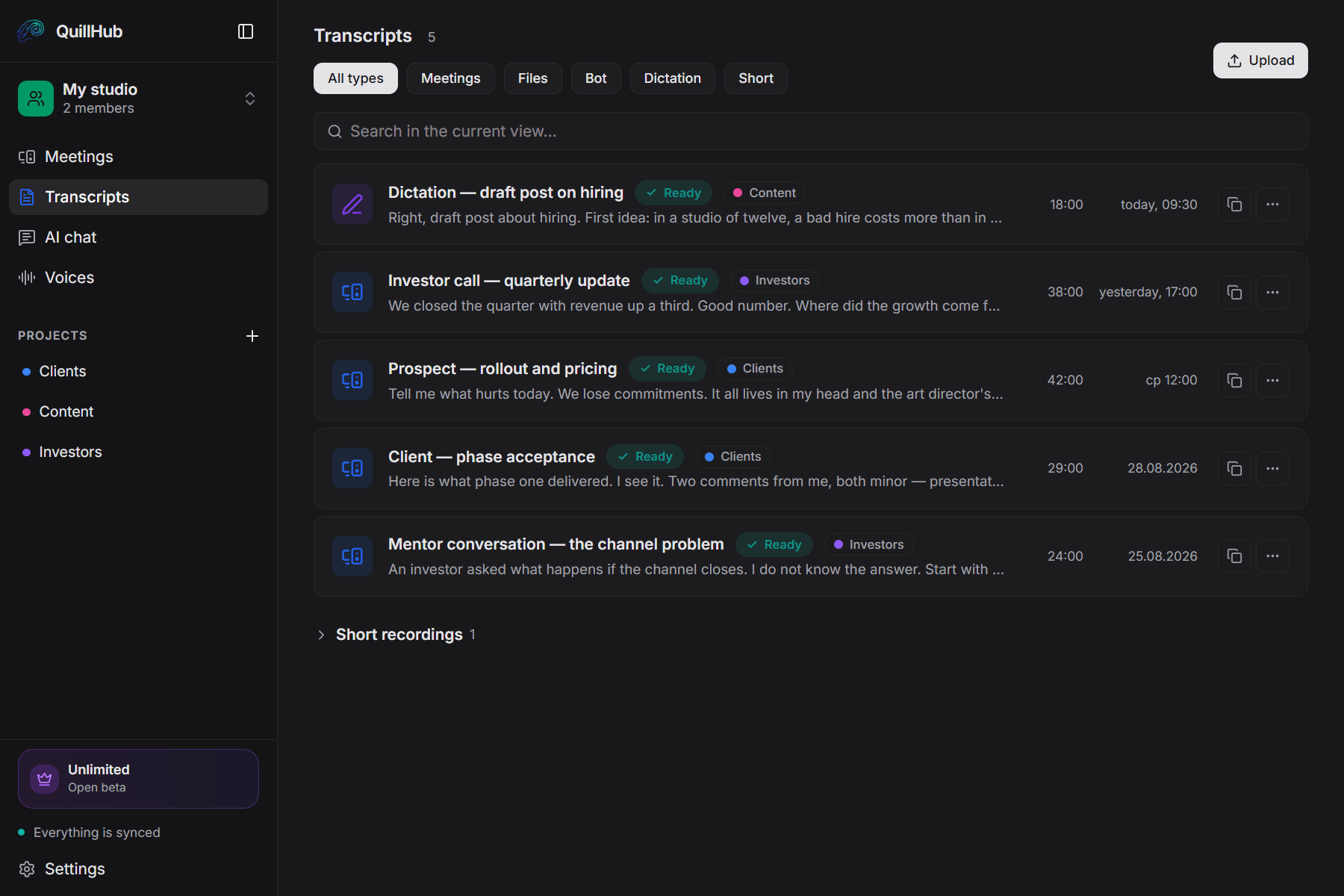
| QuillHub Desktop | Audio and video files, links, and call audio from Zoom, Teams, FaceTime, and other apps | macOS 14.4 or later, Apple silicon and Intel | Text by speaker with timestamps, summary, chapters, AI chat; export to DOCX, TXT, Markdown, SRT, VTT | Needs internet: transcription runs in the cloud. Files up to 2 GB in the app |
|---|
| QuillHub in the browser | Audio and video files and links | Any Mac with Safari, Chrome, or Firefox | The same result as in the app, with nothing to install | Files up to 10 hours and 5 GB. Calls aren't recorded: that's the app's job |
|---|