
Two hours of audio, one finished text.
QuillHub transcribes an interview, a lecture or a podcast and returns a timestamped table of contents, quotes and a draft — the same day.
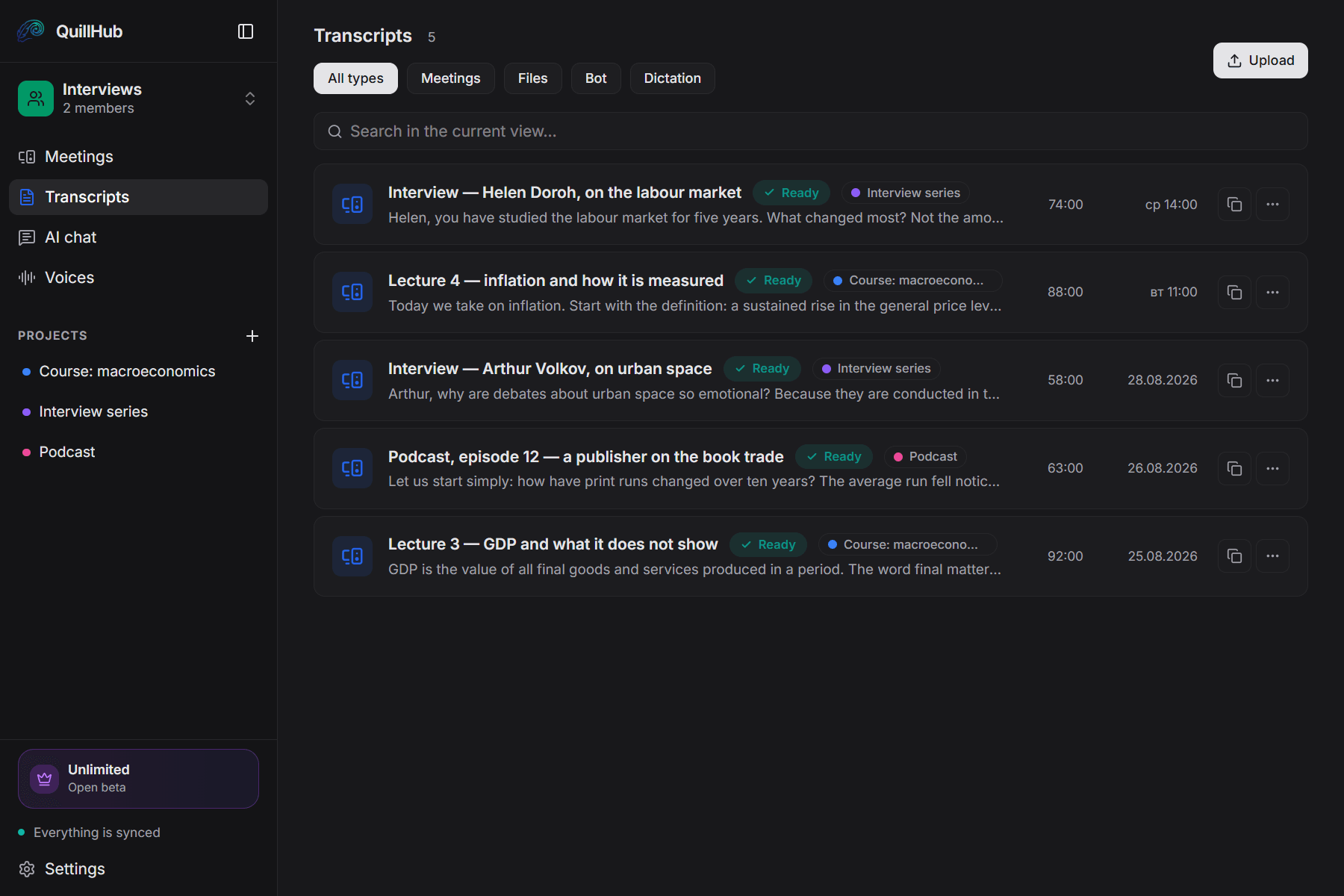
Records any call you take.
QuillHub captures your computer's audio instead of joining the meeting. The platform simply doesn't matter — and there is no integration to set up.
14 days of full access for Desktop-recorded meetings
No card required. Record a real meeting in QuillHub Desktop and get the complete result: transcript, structure, AI materials, speaker tools and chat about that meeting.
Files and links use your regular 60-minute balance and are not included in the Desktop trial.
Quick dictation is included too, with a separate 10-hour fair-use allowance during the 14 days.
After the trial, choose a paid plan or keep using your remaining minutes. Your meetings and results stay available.
Four things between audio and text.
You remember it was «somewhere in the second half».
Or you pay and wait two days, while the text is due today.
The transcript says «Speaker A», the piece needs attribution.
Students need points and contents, not ninety minutes of video.
You run the conversation. QuillHub does the rest.
From your computer or by uploading a file: Zoom, a voice recorder, a studio session.
Contents, quotes and a draft are ready while you are still adding your own notes.
Notion, Slack, Linear, Gmail — over MCP. Google Docs and the editor — one-button copy.
Four materials, none of them yours to write.
Editing takes a minute, not an evening.
Clicking a chapter opens that point in the recording.
Clicking a timestamp opens that point in the recording.
People work as much as before but less often in one place. The statistics do not see it.
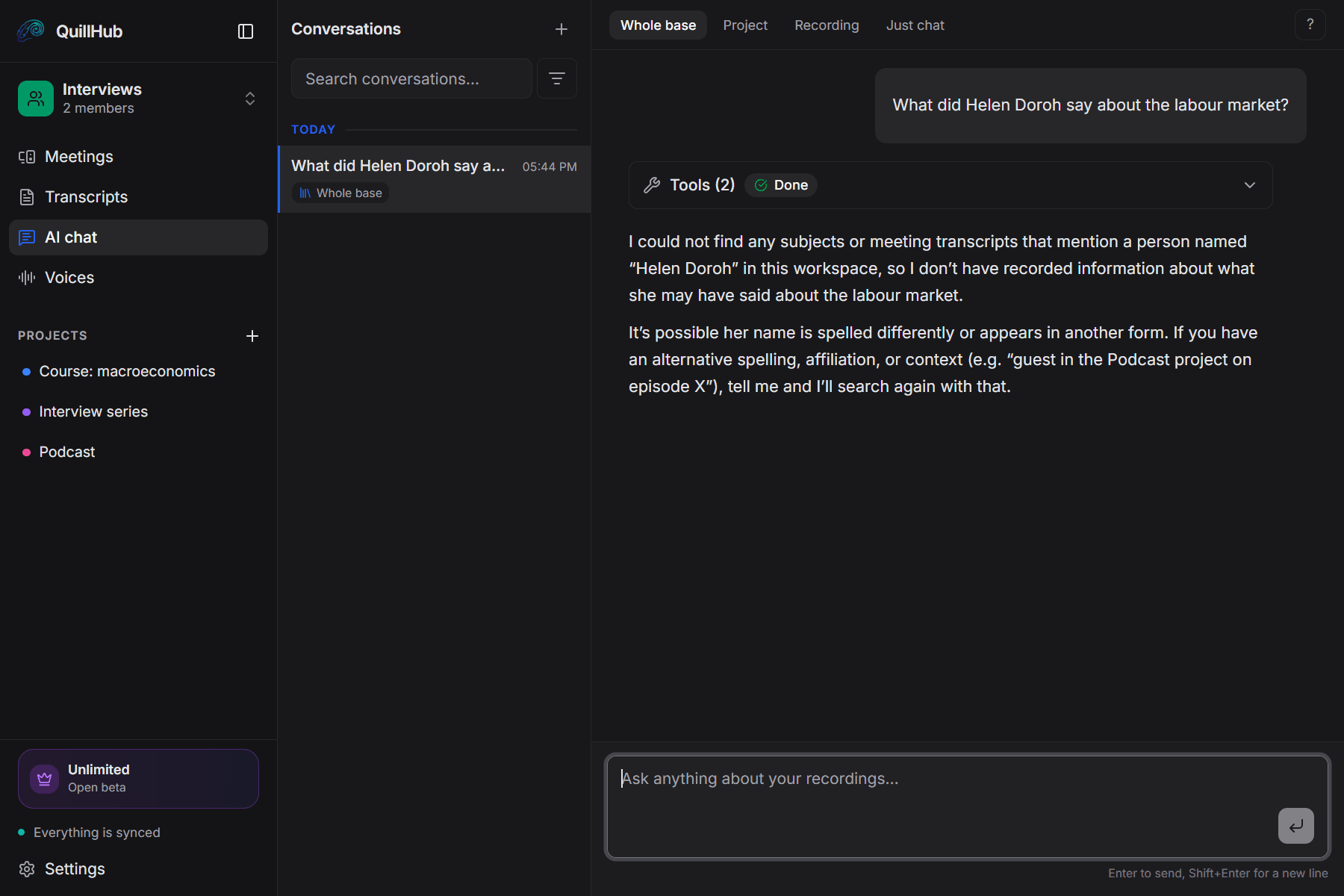
A quote from an old episode, right away.
Not a word search but an answer from the content of your recordings. Every answer links back to the recordings it came from.
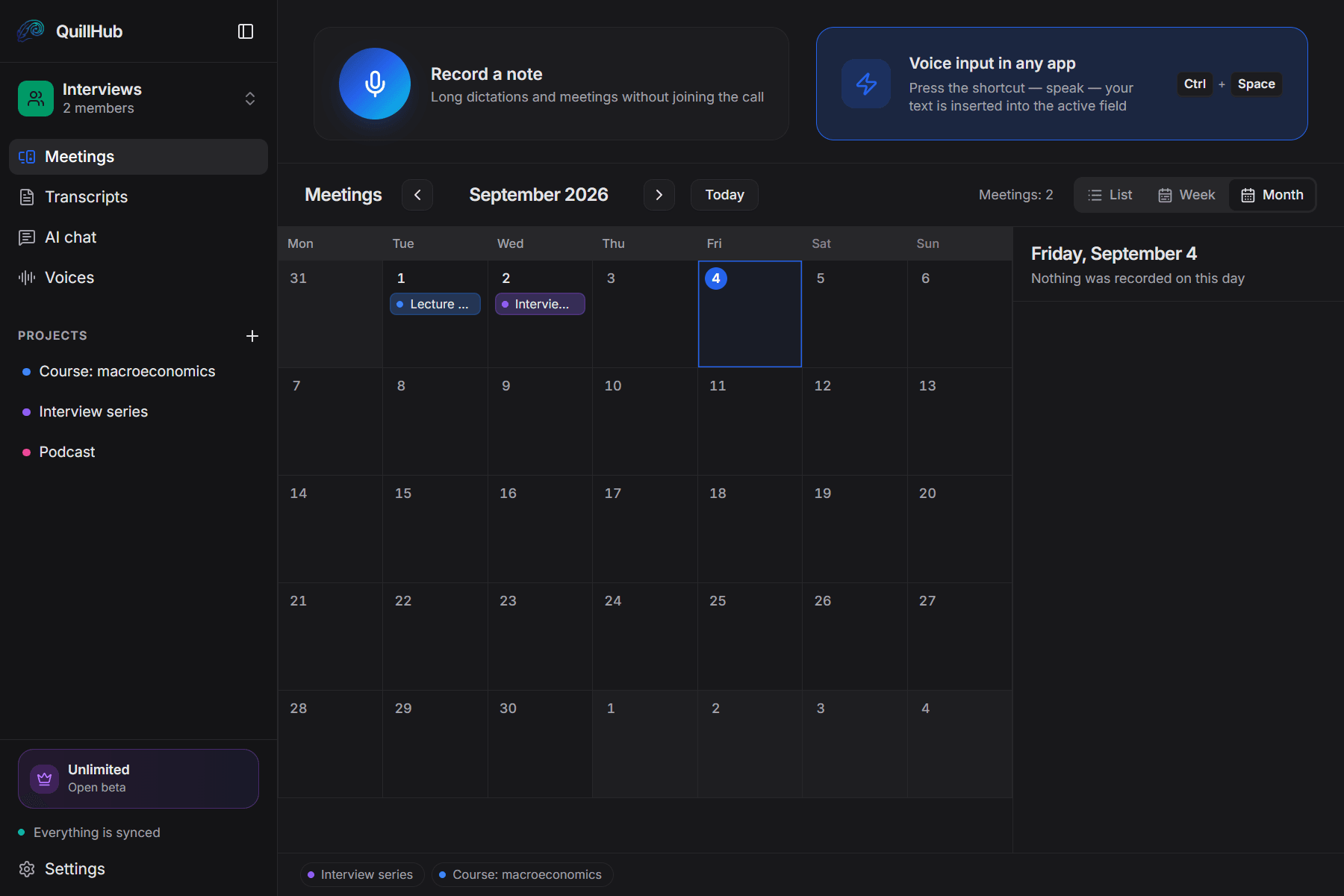
A course, a podcast, a series — foldered.
Every lecture of a course or episode of a podcast sits in one folder, each with its own contents.
A new recording files itself into the right folder by its title.
You can see when each lecture came out and where the gap in the series is.
A name in the text, not «Speaker A».
The host is named across every episode at once.
After that their lines are attributed in the transcript on their own.
And with a timestamp — so you can check the wording before publishing.
The other person sees only you.
Nobody extra among the participants.
Voice recorder, studio, Zoom.
Works offline, syncs afterwards.
Once processed. Your data goes to nobody.
Dictation. Dictate the intro straight into the editor: the text appears where the cursor is.
14 days of full access for Desktop-recorded meetings — then choose your plan.
For solo founders, sales reps, and freelancers.
- Unlimited local recording
- No time limits, ever
- Works offline, fully on-device
- Lite — $2.99 for 150 minutes
- Basic — $4.99 for 350 minutes
- Pro — $9.99 for 750 minutes
- Ultra — $29.99 for 2,950 minutes
- Unlimited cloud transcription
- Unlimited AI assets & follow-ups
- Priority processing
No card required. Record a real meeting in QuillHub Desktop and get the complete result: transcript, structure, AI materials, speaker tools and chat about that meeting. Files and links use your regular 60-minute balance and are not included in the Desktop trial. Quick dictation is included too, with a separate 10-hour fair-use allowance during the 14 days.
Journalists and lecturers stopped replaying their audio
"A two-hour interview used to mean an evening of typing. Now I open the contents, find the chapter and take the quote straight from there."
"Students need a summary, not ninety minutes of lecture. The points and the contents assemble themselves; I only fix the wording."
"In a podcast the whole job is pulling a quote out of an old episode. That used to be an hour of scrubbing; now it is a question to the chat and a timestamp in the answer."
Frequently asked questions
The next interview comes with its text by evening.
Download the app, start recording or upload a file — and within minutes the contents, the quotes and the draft are ready. 60 free minutes, no card. 14-day full access for meetings recorded in QuillHub Desktop — no card. Files and links use your regular 60-minute balance.