
Records your calls — no bot. Turns them into notes, emails, and posts.
QuillHub captures audio right on your computer — no stranger joins your call. After each conversation, the transcript, CRM note, follow-up email, and a ready-to-publish post appear on their own, no manual work.
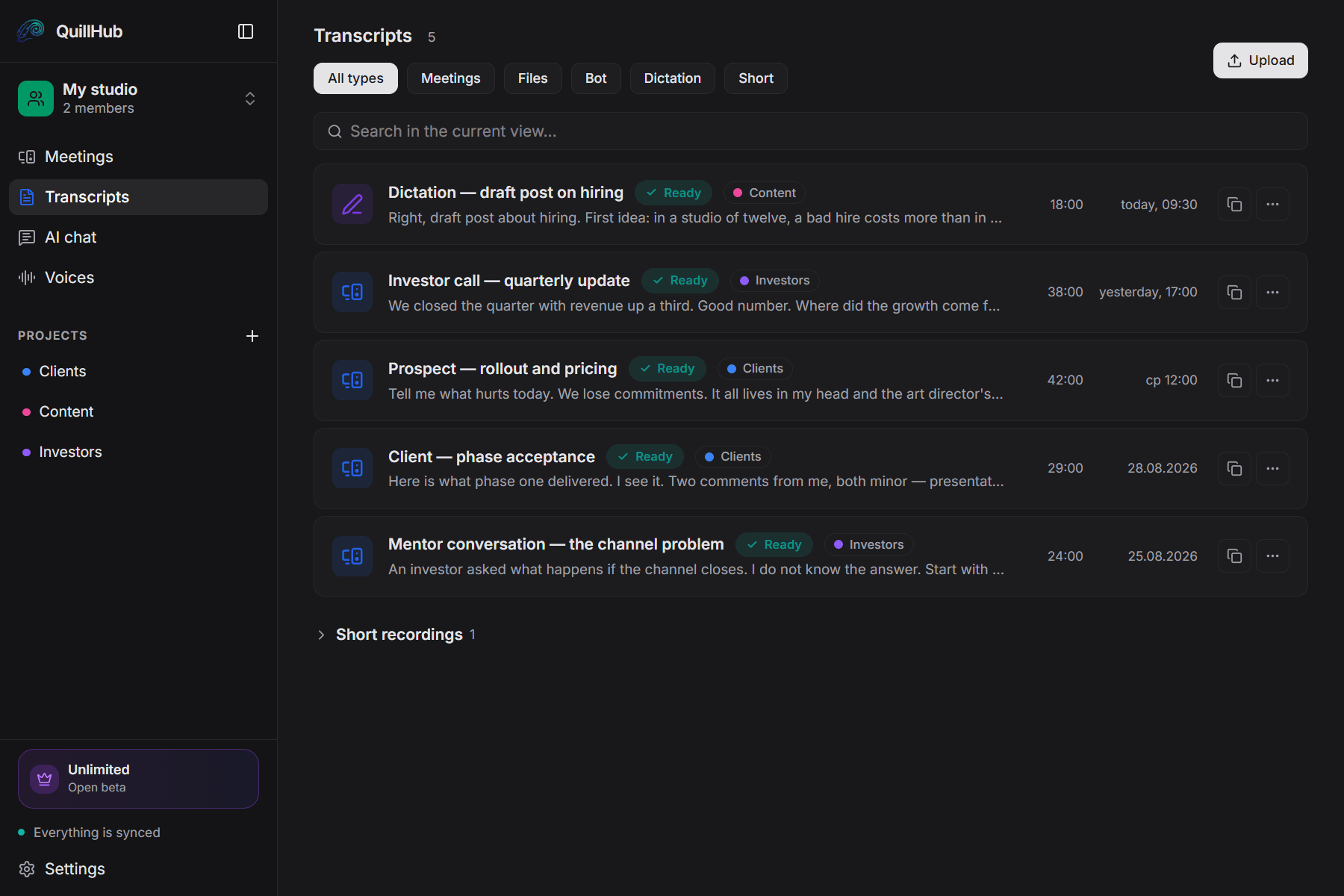
Records any call you take.
QuillHub captures your computer's audio instead of joining the meeting. The platform simply doesn't matter — and there is no integration to set up.
14 days of full access for Desktop-recorded meetings
No card required. Record a real meeting in QuillHub Desktop and get the complete result: transcript, structure, AI materials, speaker tools and chat about that meeting.
Files and links use your regular 60-minute balance and are not included in the Desktop trial.
Quick dictation is included too, with a separate 10-hour fair-use allowance during the 14 days.
After the trial, choose a paid plan or keep using your remaining minutes. Your meetings and results stay available.
Four things after every conversation.
Note, email, tasks. Every single time.
People see a stranger on the participant list and speak more carefully.
A week later there is nothing to point at when someone says otherwise.
Bot-based tools only join a scheduled online meeting with a link.
From a conversation to ready-to-use assets in your tools. In seconds.
Record, transform, distribute. Three steps — and the results land in your tools and AI agents, all through one MCP protocol.
- Use our Desktop app to record any call from your device — Zoom, Google Meet, Teams, phone, or in person
- Records audio locally first, then syncs to the cloud for processing
- Auto-start recording option for when you don't want to think about it
- AI transcribes your audio, identifies speakers, and extracts the key moments
- Get a CRM note, a follow-up email, a meeting summary, and a publishable post — from one recording
- Edit anything in-app or just copy and go
- Push outputs to Notion, HubSpot, Slack, Linear, Gmail — in one click via MCP
- Read from QuillHub inside Claude Code, Cursor, Codex, and any MCP-aware agent
- Or just copy any output to clipboard with one tap
One call → four ready-to-use assets
CRM Notes
Auto-structured notes with action items and decisions — ready to drop into your CRM
Hi Sarah —
Great to chat earlier. As promised, here's the pricing breakdown and two case studies from teams roughly your size.
Three things stood out from our conversation
Follow-up Emails
Personalized follow-ups based on the call context — edit and send in seconds
Meeting Summaries
Concise summaries with quotes, decisions, and next steps — share with your team
More calls than time to write them up.
Pick your role and see the whole scenario: what gets recorded, what comes out of the conversation and where it goes next.
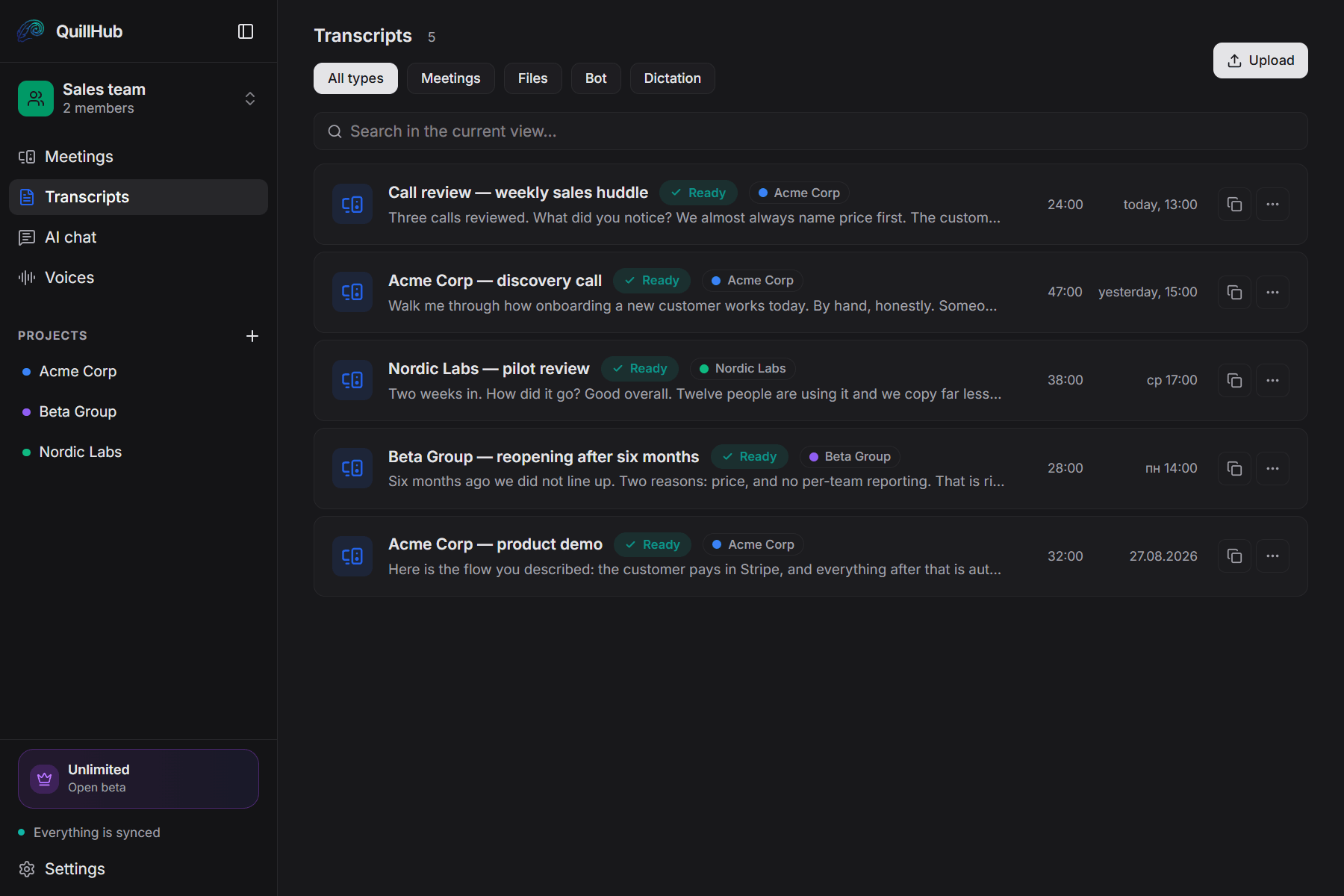
Fifteen minutes after every call go into updating the CRM. QuillHub updates it for you while you dial the next customer.
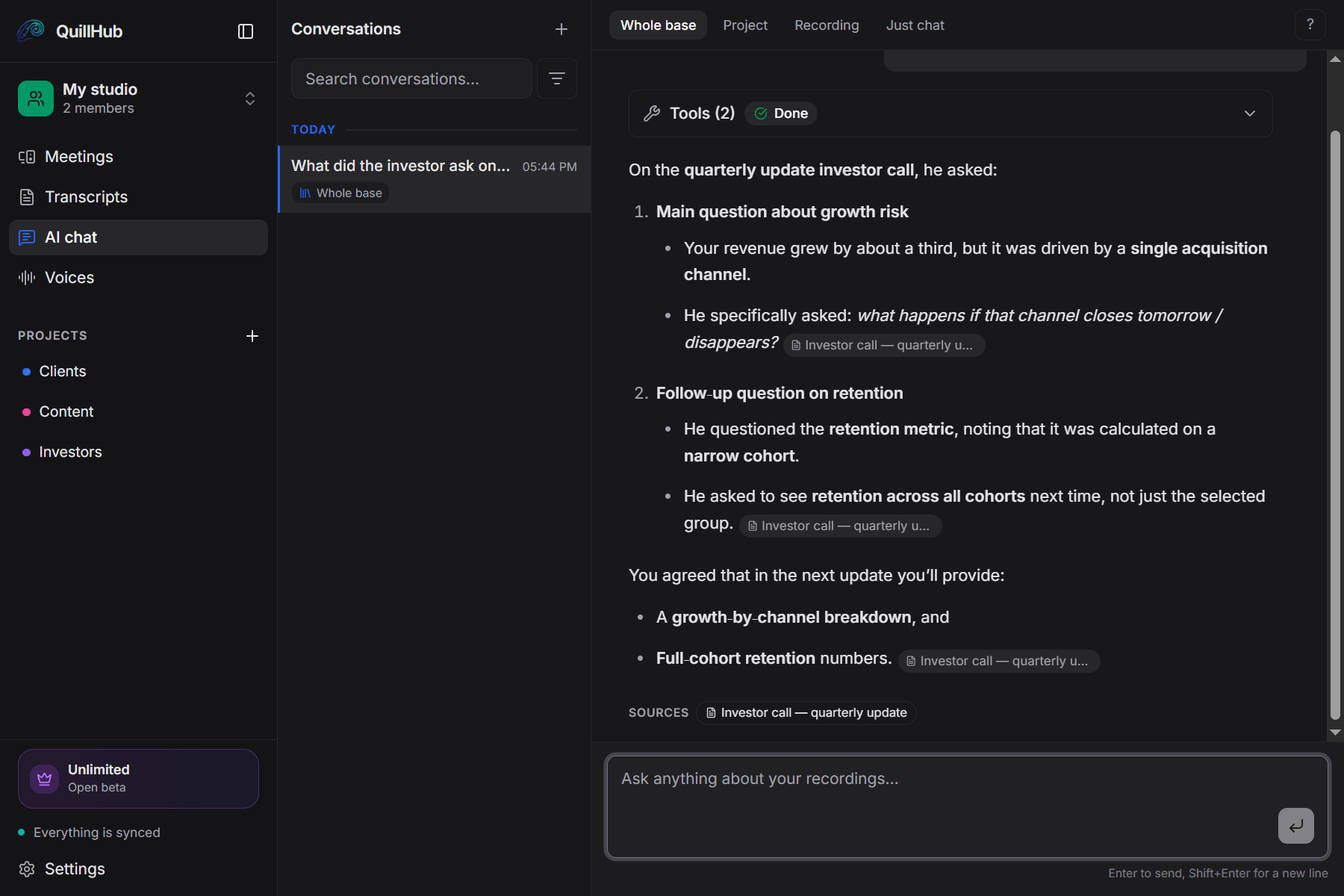
Ask your own conversations.
Not keyword search — an answer built from what was said. Every answer links back to the recordings it came from.
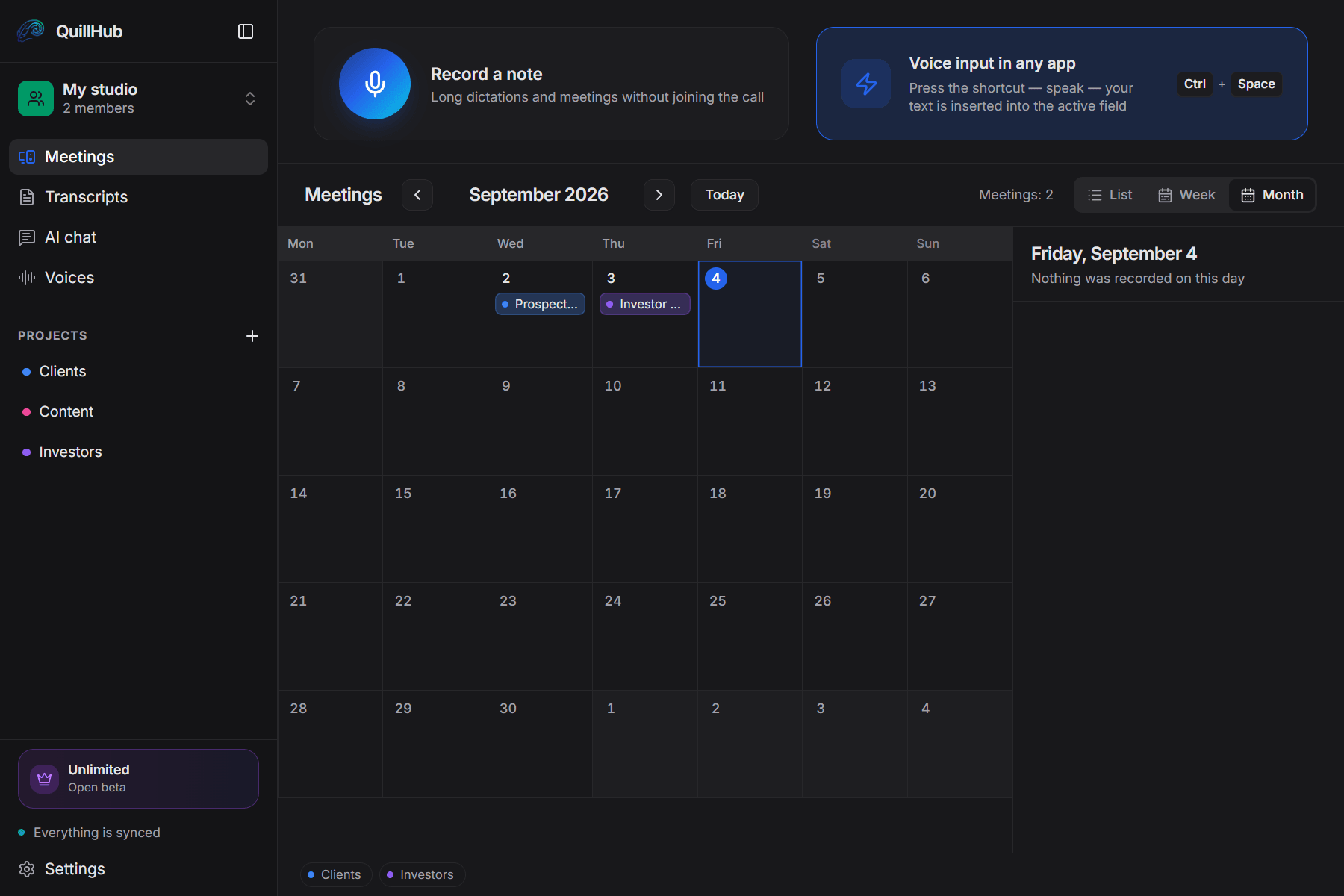
Every thread gets its own folder.
First call, demo and the return six months later sit in one folder, not in a flat list.
A new recording lands in the right folder by the meeting title.
You can see how much of the week went to clients and how much to everything else.
Record from your device. No bot. No interruptions.
Other notetakers join your call as a participant. QuillHub records from your computer — without interrupting the conversation.
Speak, and the text appears wherever your cursor is.
In an email, a ticket, a chat — any field in any app. No window switching, no copy and paste.
Five places where QuillHub plays differently.
We didn't fork the same bot-in-the-call playbook. Here's where the design diverges.
14 days of full access for Desktop-recorded meetings — then choose your plan.
For solo founders, sales reps, and freelancers.
- Unlimited local recording
- No time limits, ever
- Works offline, fully on-device
- Lite — $2.99 for 150 minutes
- Basic — $4.99 for 350 minutes
- Pro — $9.99 for 750 minutes
- Ultra — $29.99 for 2,950 minutes
- Unlimited cloud transcription
- Unlimited AI assets & follow-ups
- Priority processing
No card required. Record a real meeting in QuillHub Desktop and get the complete result: transcript, structure, AI materials, speaker tools and chat about that meeting. Files and links use your regular 60-minute balance and are not included in the Desktop trial. Quick dictation is included too, with a separate 10-hour fair-use allowance during the 14 days.
Connect once. Works with your whole stack via MCP.
Plug QuillHub into any MCP-compatible service in one click. Notion, HubSpot, Slack, Linear, Gmail, and growing — we keep up as new services join the protocol, so you don't have to wait for integrations.
Who is using it — and why they stayed
"I went from 15 minutes of CRM updates per call to literally zero. Quill writes the note, I paste, I close the deal."
"The fact that there's no bot joining my call is the whole reason I switched. My clients didn't even know I was using anything."
"MCP into Linear was the unlock. Every customer call becomes an action item in the right project, automatically."
"Pay-per-use means I'm not paying $30/month for the weeks I'm heads-down shipping. Just turn it on when I'm in calls."
Frequently asked questions
Let your calls turn themselves into notes, emails, and tasks
14-day full access for meetings recorded in QuillHub Desktop — no card. Files and links use your regular 60-minute balance. After the trial, choose a paid plan or keep using your remaining minutes. Your meetings and results stay available.